Coffer: private photo vault
Photos, videos and documents, encrypted on your iPhone. No account. No server. Not even we can look.
Coming to the App Store
How it protects you
- Encrypted on your iPhone
- AES-256, before anything is saved. Every photo gets its own key.
- Face ID and a passcode
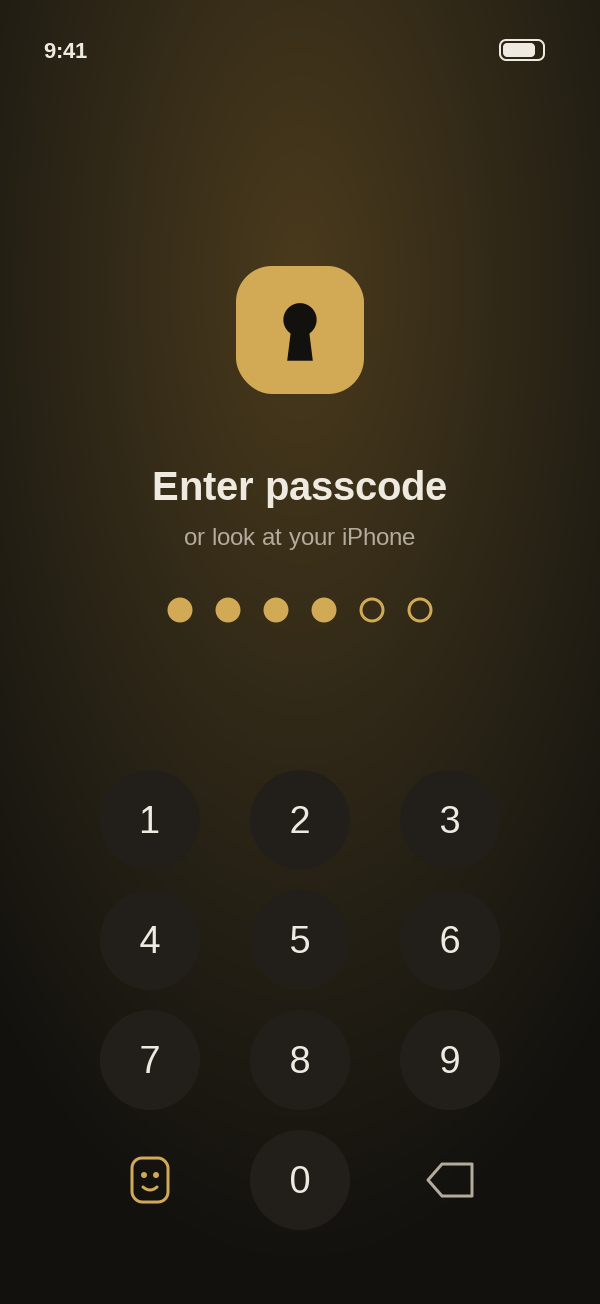
- Coffer locks the moment you leave it, and blurs itself in the app switcher.
- Free backup, still sealed
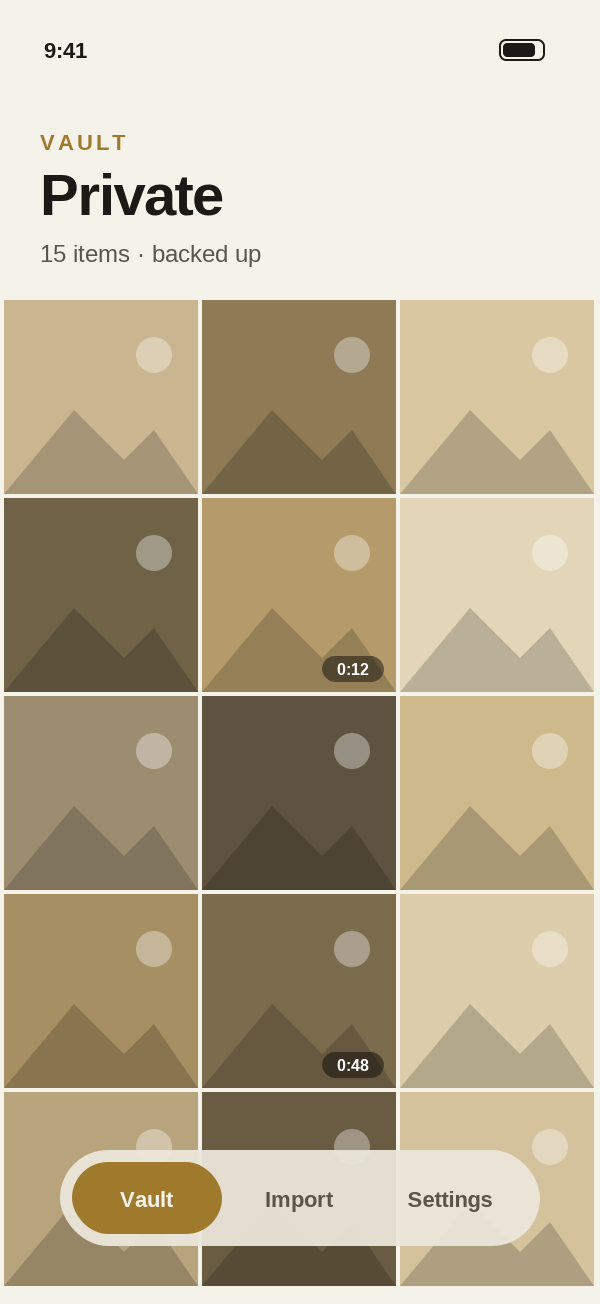
- Your vault backs up to your own iCloud, encrypted, at no cost. Restores on a new iPhone.
- A decoy vault
- A second passcode opens a harmless vault, for when someone makes you open the app.
- Nothing lost by accident
- Deleted items wait in Recently Deleted for 30 days before they are gone.
Who it is for
Private photos
The ones you would rather nobody saw when you hand your phone over.
Passports and IDs
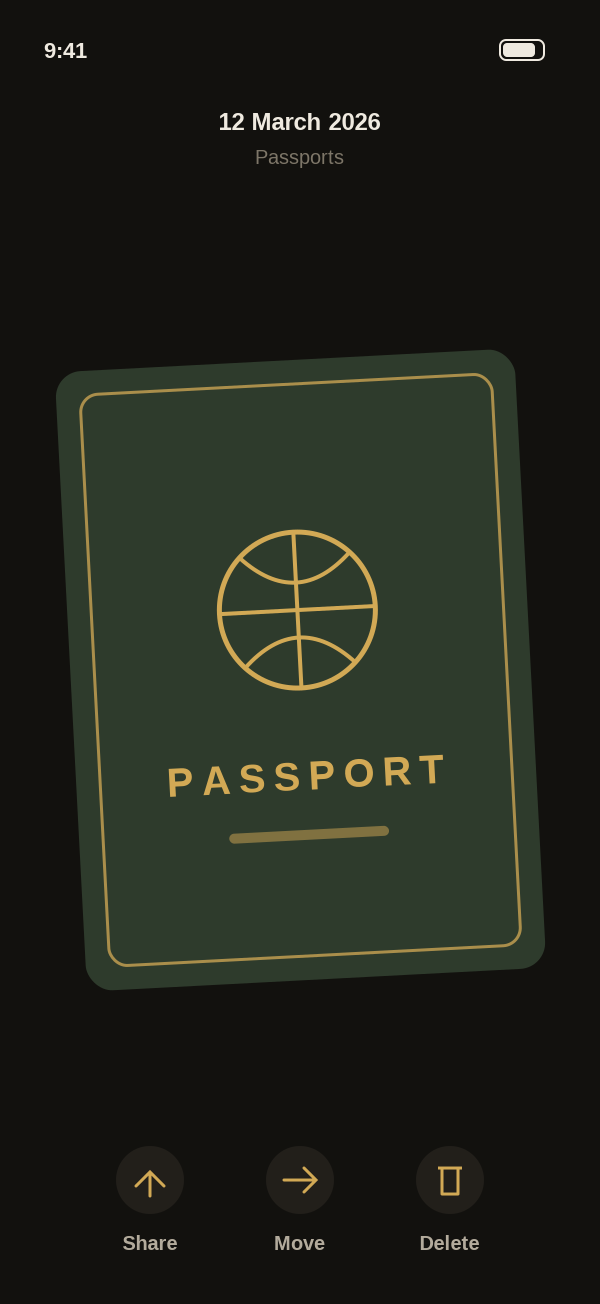
Passport, licence, cards and medical records, out of your camera roll and sealed.
Leaving an old vault app
Lost photos, ads and surprise subscriptions. Coffer backs up for free and never locks what you stored.
People at risk
Journalists, activists and anyone who might be made to unlock their phone. The decoy vault is for you.
Free to start. Pro if you need more.
Free
$0
- One vault
- Up to 100 items
- Photos and videos
- Encrypted iCloud backup
Pro
$9.99 a year or $29.99 once
- Unlimited items
- More than one vault
- The decoy vault
- Documents and files
If a yearly plan ends, everything you stored still opens. You just cannot add past the free limits.
What Coffer can't hide
- Someone with your unlocked iPhone can see that Coffer is installed and roughly how much space it uses.
- A forensic lab measuring storage could notice that a vault holds more than the decoy shows.
- If you lose your passcode and your recovery phrase, nobody can open your vault. Not even us.
Read the privacy policy. It is short, because Coffer collects nothing.
Questions
Something else? Get help.
Can you see my photos?
No. Everything is encrypted on your iPhone before it is saved. Your keys only ever leave your iPhone locked by your passcode or recovery phrase, inside your own iCloud. There is no Coffer account and no Coffer server, so there is nothing for us to look at.
What if I forget my passcode?
When you set up Coffer you get a 12-word recovery phrase. Keep it somewhere safe. We cannot reset your passcode or recover your vault for you, because we never hold your keys.
Where is my backup kept?
In your own iCloud. Coffer encrypts each photo before it is uploaded, so Apple stores only scrambled data. Backup is free for everyone and uses your iCloud storage, not ours.
What happens when I get a new iPhone?
Sign in with the same Apple ID, install Coffer and enter your passcode. Your vault comes back from your iCloud backup. If that does not work, your recovery phrase restores it.
What is the decoy vault?
A second passcode that opens a different vault with photos you choose. If someone makes you open Coffer, you can show them that one. Nothing on screen shows that another vault exists.
Is it a subscription?
Coffer is free for one vault and up to 100 items, with free backup. Pro is $9.99 a year or $29.99 once. If a yearly plan ends, nothing you stored is locked away: you can still open, view and export everything.